Edit a Group - Verizon MDM (BuSS)
Here's how to edit a group for Verizon MDM (BuSS).
- Verizon MDM content displayed and the ability to modify or update content may vary based on policy, role or permissions.
- Due to a number of features that require HTML5, Verizon MDM requires Internet Explorer version 10 and above to work efficiently.
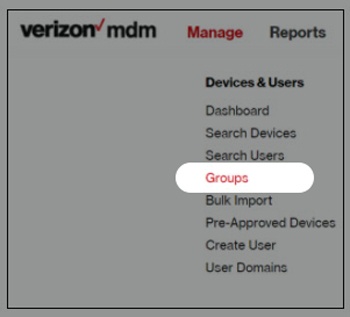
- From the Home screen, hover over theManagethen clickGroups.
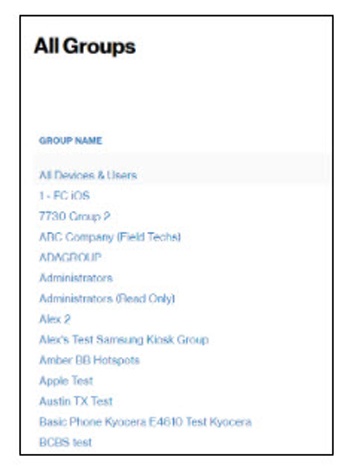
- From the Groups section, click the desired group name.
- From Details, make the desired changes then clickSave
.
- ClickDashboard(at the top) to return to the Home screen.