Samsung Galaxy Watch - View, Open or Close Recently Used Apps
Here's how to view, open or close recently used apps on your Galaxy Watch.
From your Android™ smartphone or Apple® iPhone® , ensure your Galaxy Watch software is up to date as the steps below apply to the most recent version.
- From the watch screen, press theHome buttonto open the apps screen.
- Tap theRecent apps icon.May require scrolling left or right to other pages.
- Perform any of the following:
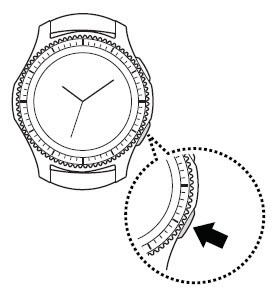
- Open: Turn the bezel then tap the desired app in the list.
- Close: Turn the bezel, hold the app then swipe the screen up.
- Close all open apps: TapClose all(at the bottom).