Send a Message with Basic Visual Voicemail - OnePlus
Here's how to send a message with Basic Visual Voicemail on your OnePlus smartphone.
- If applicable, access Visual Voicemail.
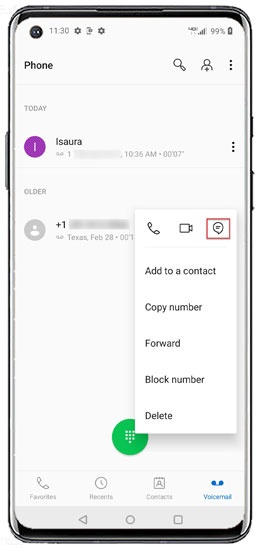
- From the Visual Voicemail inbox, tap theMenu icon
next to the preferred message.
- Tap theMessage icon.
- Select an app with which you want to share the message (Gmail, Messages, etc.).