Stream TV Soundbar Pro - Pair Voice Remote
Here's how to place the Voice Remote for your Stream TV Soundbar Pro into pairing mode.
Ensure your soundbar is up to date as the following steps apply to the most recent version.
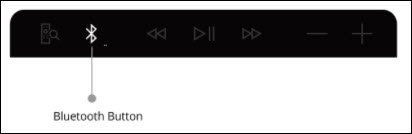
- If the 'Pairing your remote' screen doesn't display, place the soundbar in Bluetooth® discovery mode using one of the following options:
- On the Stream TV Voice Remote, press and hold thePlay / Pause button
and the
0 buttonsimultaneously for 6 seconds. - Release the buttons to enter pairing mode.A blue LED blinks above the Play / Pause button on the remote.
- Allow up to a minute for the process to complete.
For additional info, see this Stream TV support page.