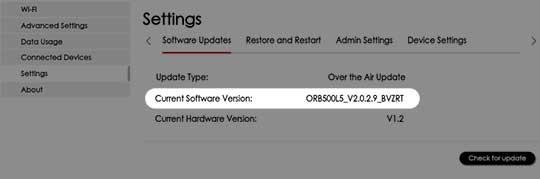
Orbic Speed 5G - View Software Version
Here's how to view the software version your Orbic Speed 5G is running.
Via Device
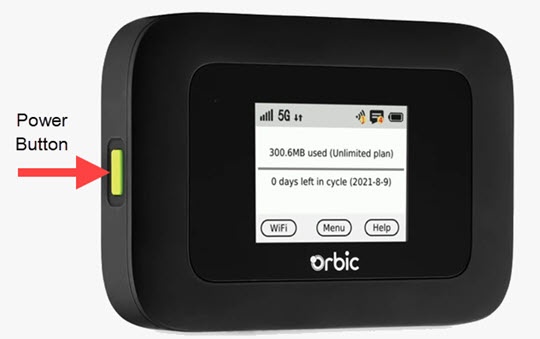
- Press thePower buttonon your Orbic® Speed 5G™ to turn on the display.
- TapMenu(on the device screen).
- From the 'Menu' screen, swipe the screen to the left to view the additional menu options and tapAbout Hotspot.
- View the Software (SW) Version.If applicable, swipe the screen to the left or right to view additional device details.To verify the device has the latest software version, refer to Update Firmware.
Via Admin Web Interface
- Access the Admin Web Interface.
- From the top menu, clickConfiguration.
- From the left menu, navigate: .
- View the Current Software Version.To verify the device has the latest software version, refer to Update Firmware.