Orbic Chromebook - Remove a User Account
Here's how to remove a user profile on your Orbic Chromebook.
If you need to remove a user account on your Orbic® Chromebook®, follow these step-by-step instructions.
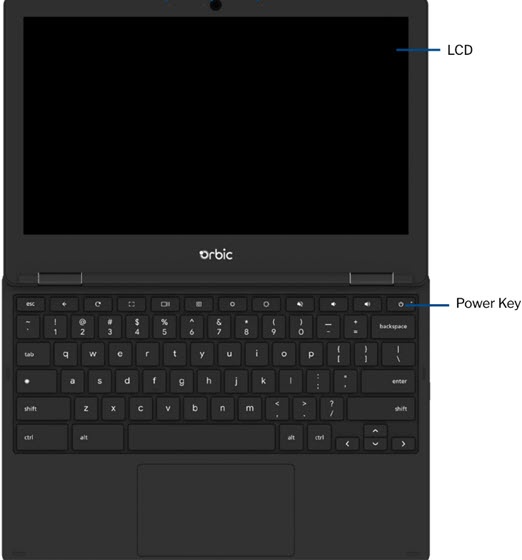
- Press and hold thePower buttonuntil the options screen appears..
- ClickSign out.
- Click theDown arrow
to the right of the account to remove.
- ClickRemove account.
- Review the info, then clickRemove accountto confirm.