Set Router Admin Password - Verizon 4G LTE Broadband Router
Here's how to set the router Admin password on your Verizon 4G LTE Broadband Router.
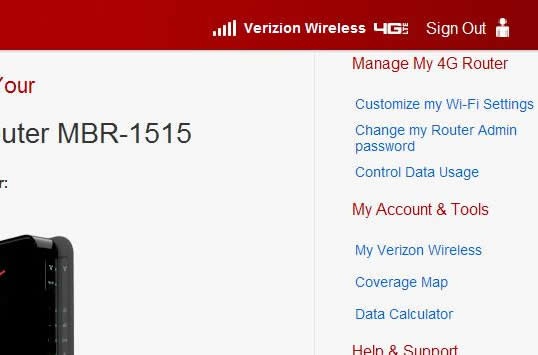
- Access the router configuration tool then clickChange my Router Admin password(upper-right corner).For assistance with accessing the router configuration page, refer to Accessing the Router Configuration.
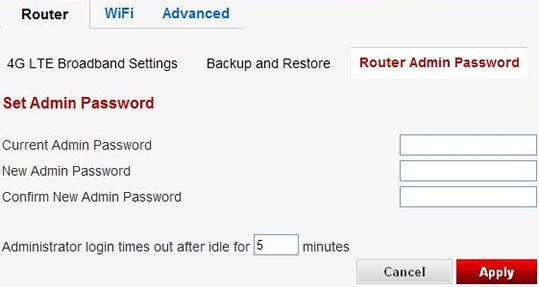
- Enter the current admin password, new admin password and re-enter the new admin password then clickApply.The default network password is can be found on label at the back of the router.