Configure Dynamic DNS - Verizon 4G LTE Broadband Router
Here's how to configure dynamic DNS settings for your 4G LTE Broadband Router.
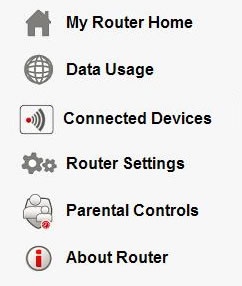
- Access the router configuration tool then clickRouter Settings(on the left).For assistance with accessing the router configuration page, refer to Accessing the Router Configuration.
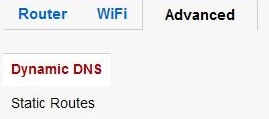
- From the Advanced tab, clickDynamic DNS.
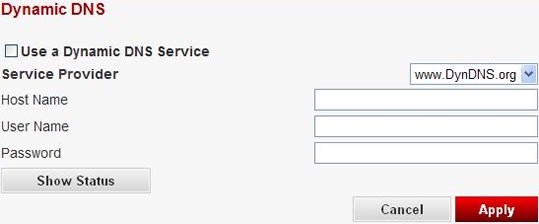
- Ensure theUse a Dynamic DNS Service boxis checked and enter the appropriate information then clickApply.