LED Status Troubleshooting - Verizon 4G LTE Broadband Router
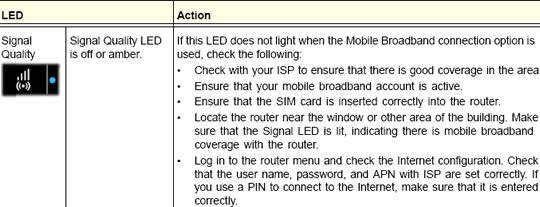
Here's how to use the LED Status to help troubleshoot your Verizon 4G LTE Broadband Router.
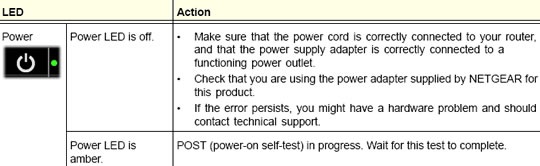
Power
For additional assistance, refer to Restore Factory Defaults.
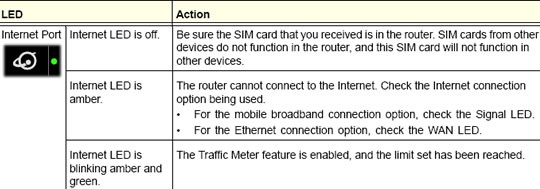
Internet Port
For additional assistance, refer to Insert / Remove SIM card.
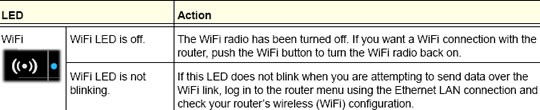
Wi-Fi
For additional assistance, refer to
LAN Ports

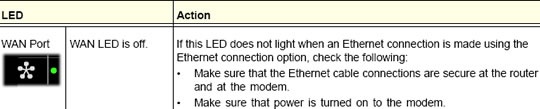
WAN Port
4G LTE
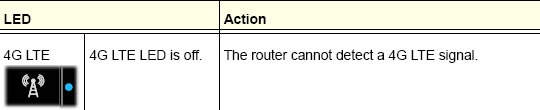
Signal
Blue (Excellent coverage) RSSI
: is greater than or equal to -85Green (Good coverage) RSSI
: is between -100 and -85Amber (Marginal coverage) RSSI
: is between -112 and -100For additional assistance, use the Verizon Wireless Coverage Locator to determine service availability. The ProBand antenna may also help with signal issues.